All-in-one restaurant & cafe management software
Tableside ordering, kitchen & cashier in sync.
The obstacles you are facing
- Wrong-table orders and slow dishes because kitchen and cashier are out of sync
- Menus with many toppings, sizes and variants are hard to set up in legacy software
- No visibility into ingredient usage — stock quietly leaks away
SealSales for F&B
A deep feature set designed around how your industry actually operates.
Tableside ordering & KDS
Take orders on a phone/tablet and push them straight to kitchen screens by prep station.
Variants & toppings
Configure sizes, sugar/ice levels and required/optional topping groups without limits.
Ingredient costing
Every dish auto-deducts ingredient stock, with low-stock alerts.
Fast checkout
Split/merge bills, multiple payment methods, kitchen & receipt printing.
A day in a F&B business on SealSales
Five stages in the order the day actually happens — each one built in, nothing to bolt together.
From order to kitchen in seconds
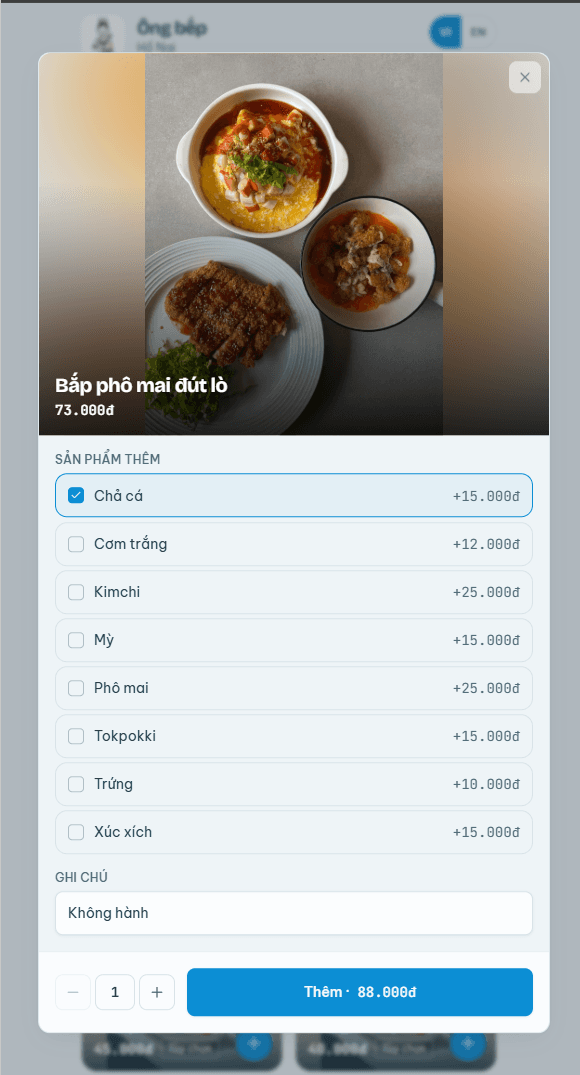
- Staff take orders on a phone at the table, or guests scan the QR on the table and order themselves — no running back and forth with paper.
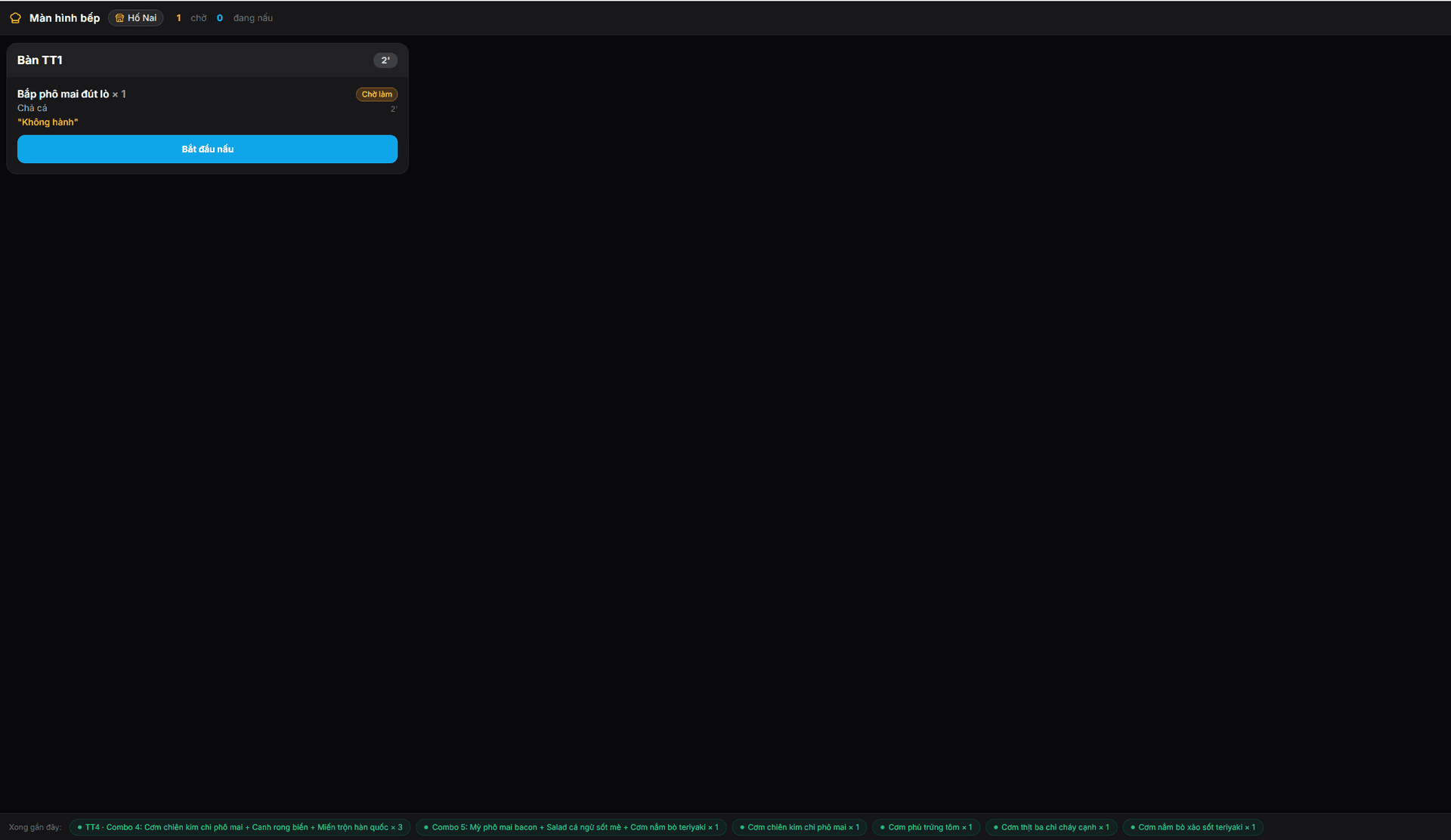
- Confirming an order sends it to the right prep station instantly; tickets that wait too long change colour so they get priority.
- Repeat rounds keep adding to the same table bill, so nothing is missed when it is time to pay.
Sizes, toppings and combos set up once
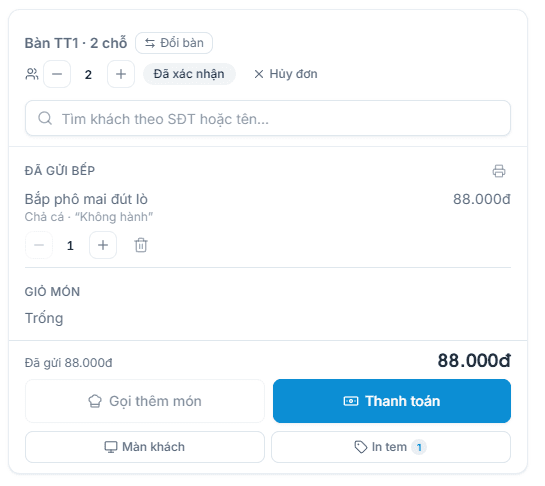
- Define M/L sizes, sugar and ice levels, required or optional add-on groups — each choice adds the right amount.
- Assign one add-on group to dozens of items at once instead of repeating the setup per item.
- Combos sell for one price while still deducting the stock of every item inside.
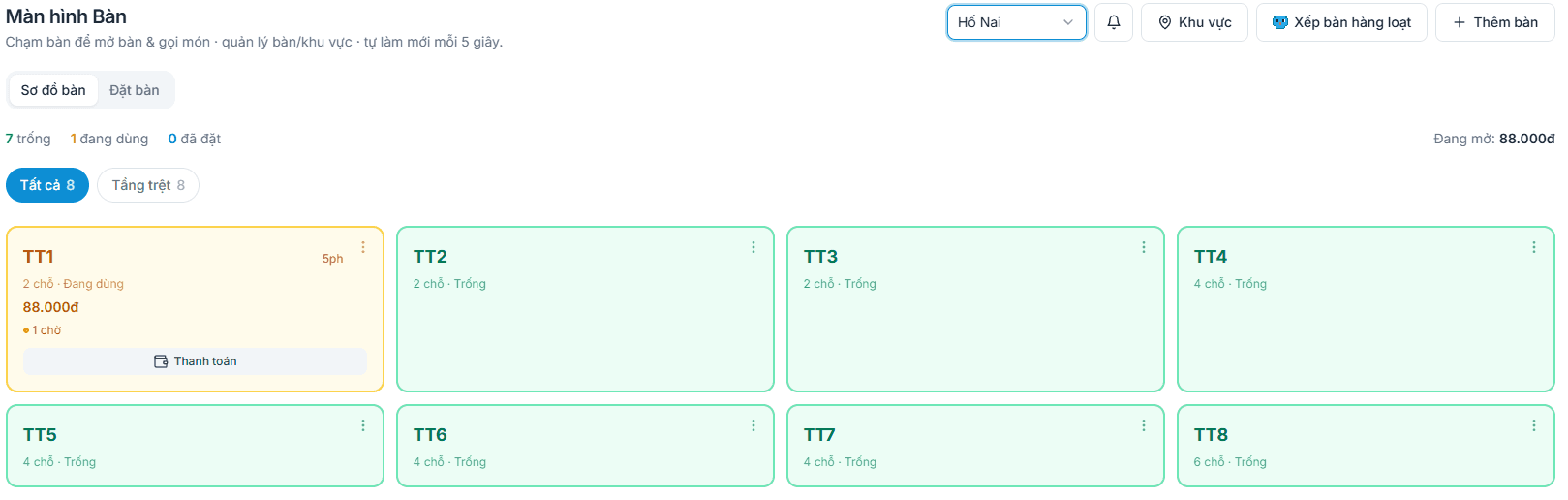
Table map, reservations and takeaway
- A table map that matches your real floor: free, occupied, reserved soon — you see where to seat people.
- Split, merge and move tables in one tap; the bill follows the table with nothing re-entered.
- Takeaway guests who pay upfront get a queue number and the order closes only once handed over.
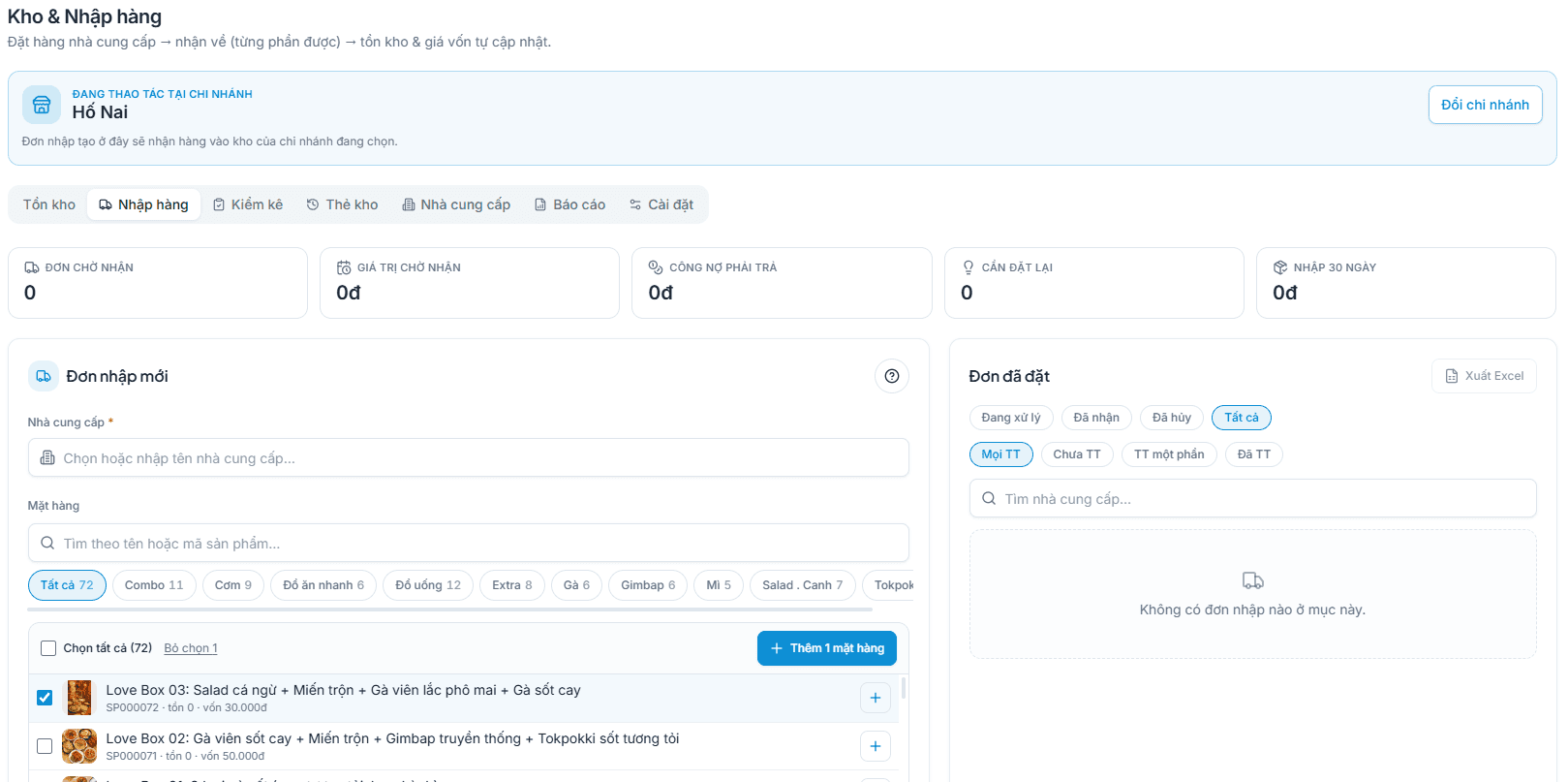
Ingredient stock and true item margin
- Purchases carry a cost price and shipping charges are spread into it, so the profit figure is real.
- Stock deducts per sale, and a minimum level warns you before an item runs out.
- Stocktakes compare against the books and differences become adjustments with a stated reason.
Checkout, invoices and shift close
- Take cash, bank transfer via an exact-amount QR, or split one bill across several methods.
- Toggle e-invoicing per order right on the payment screen without slowing the queue.
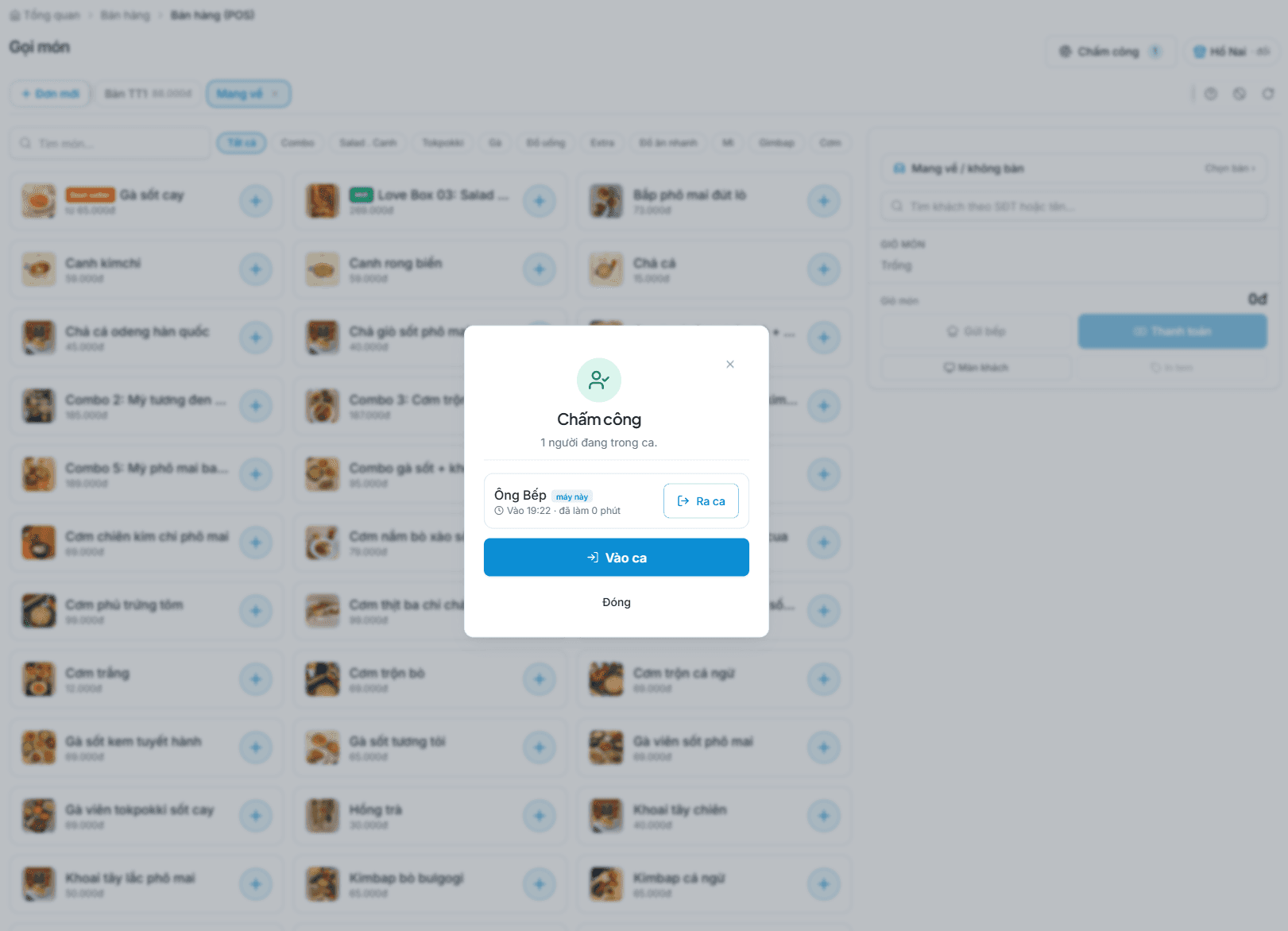
- At shift close the drawer count is compared with recorded sales and any variance is attributed to the person on duty.
Ready to connect any point-of-sale hardware
Use ordinary off-the-shelf devices — nothing proprietary, no single approved brand.
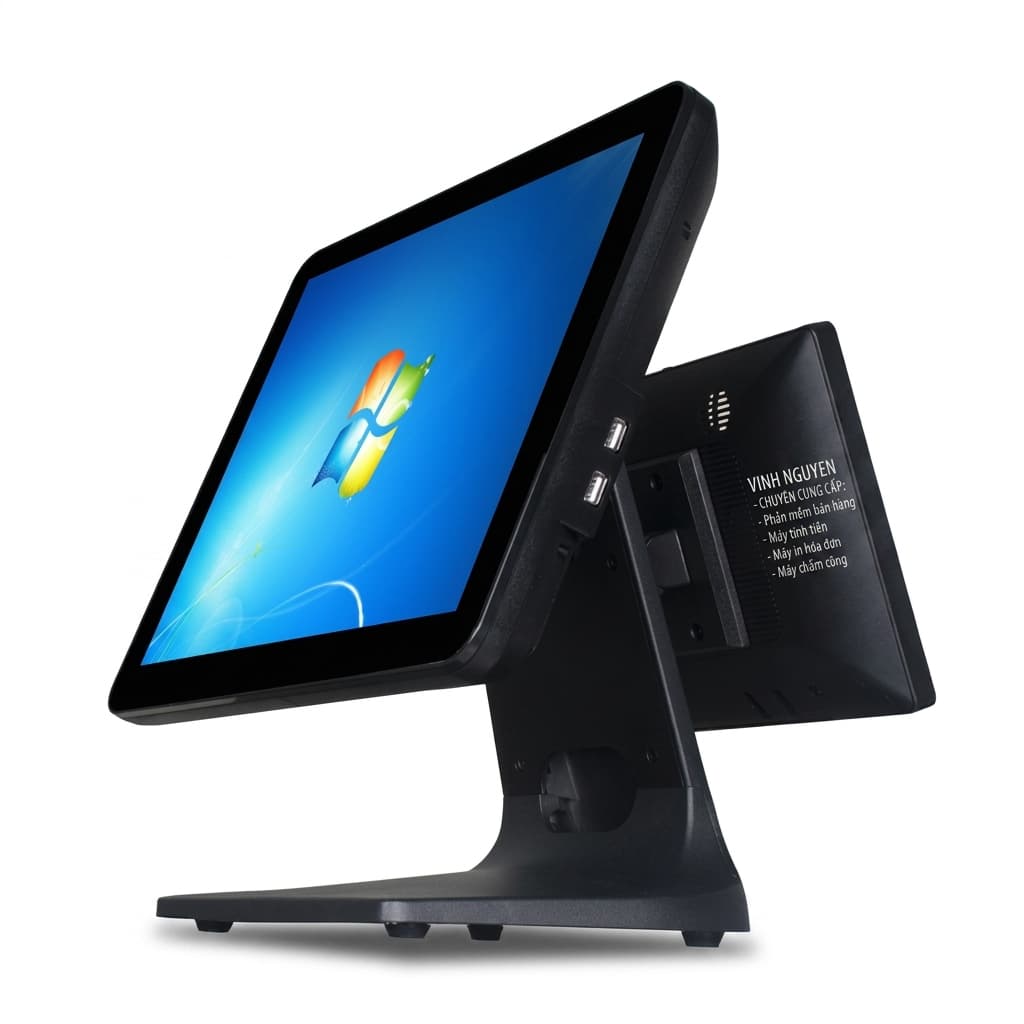
POS terminal
A touch POS, a computer or a tablet — anything that runs Chrome or Edge.
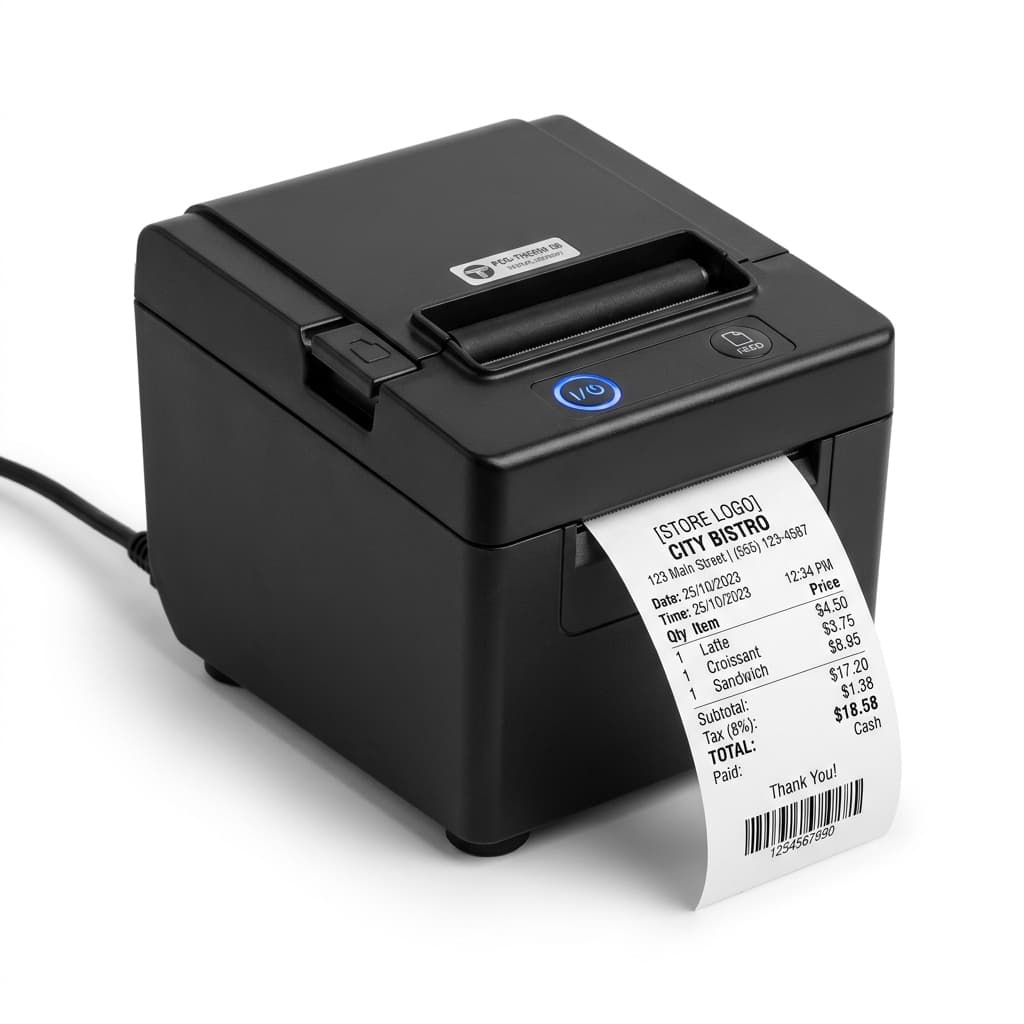
Receipt printer
80mm thermal printers for payment receipts, provisional bills and kitchen tickets.
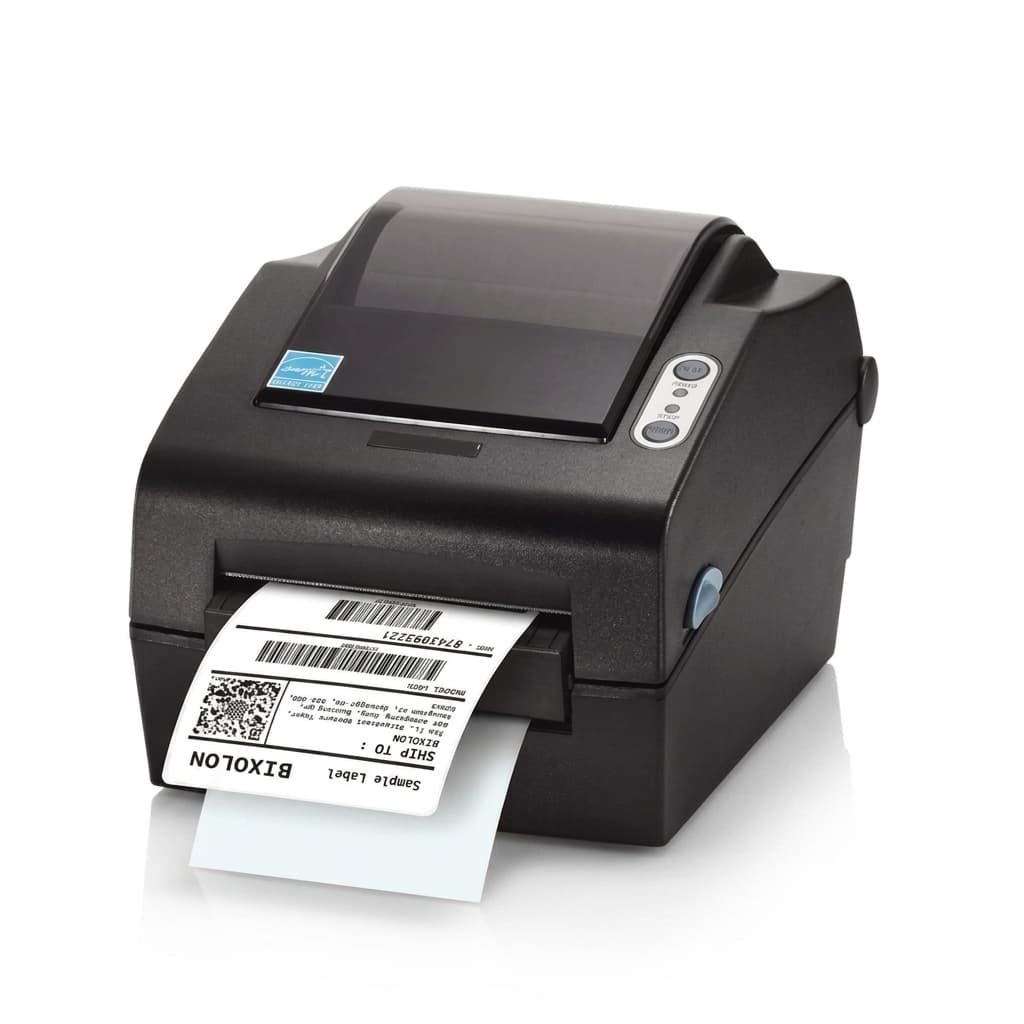
Label printer
40 × 30mm labels for retail barcode tags and item stickers.
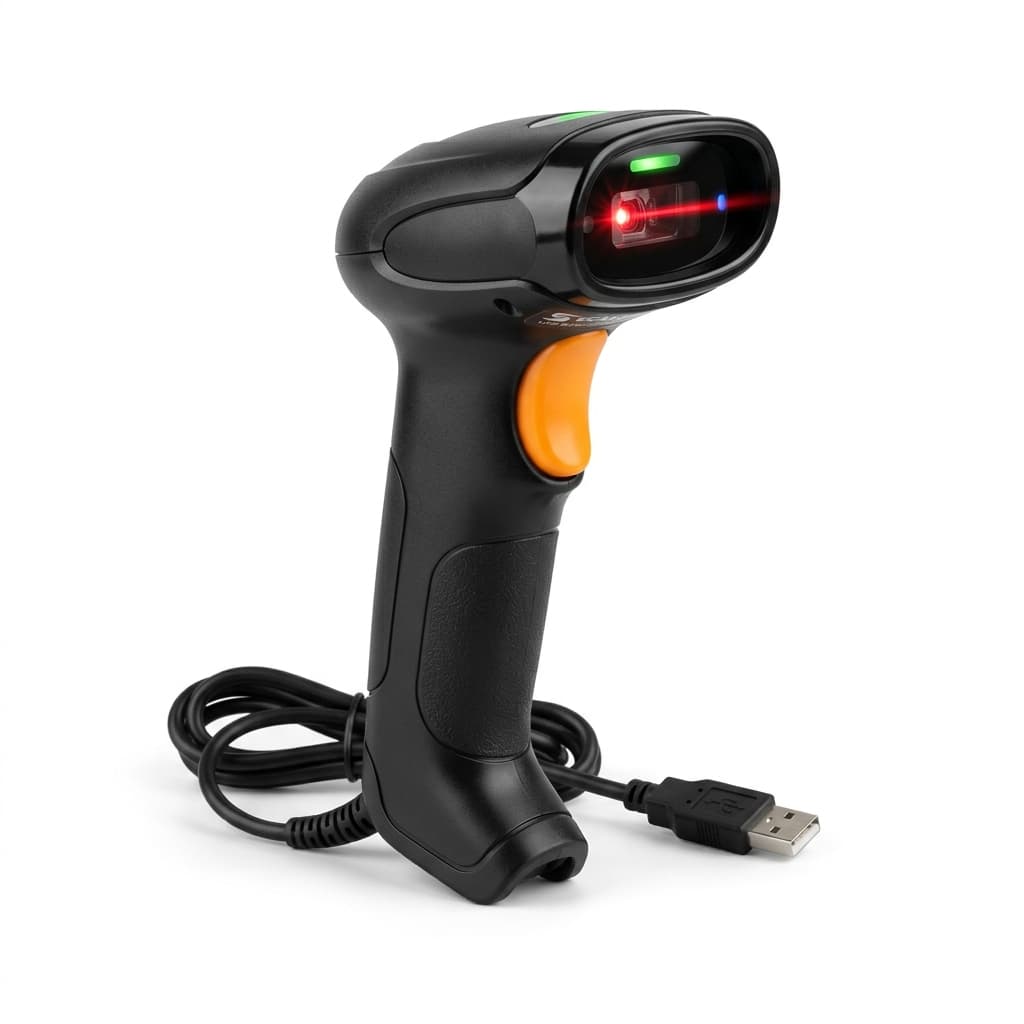
Barcode scanner
USB scanners act as a keyboard — plug it in and scan, nothing to install.
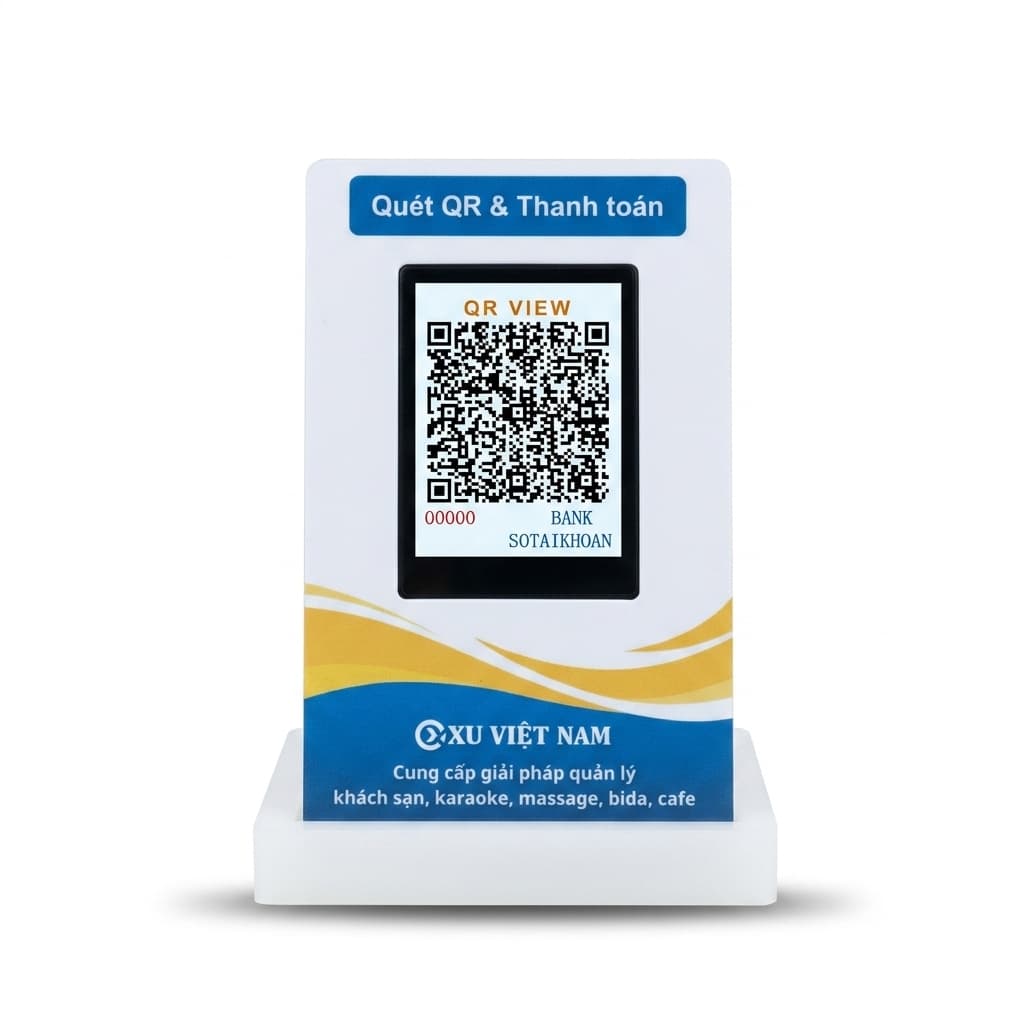
Customer / QR display
A second screen facing the guest: items as they ring up, the total and the bank QR code.
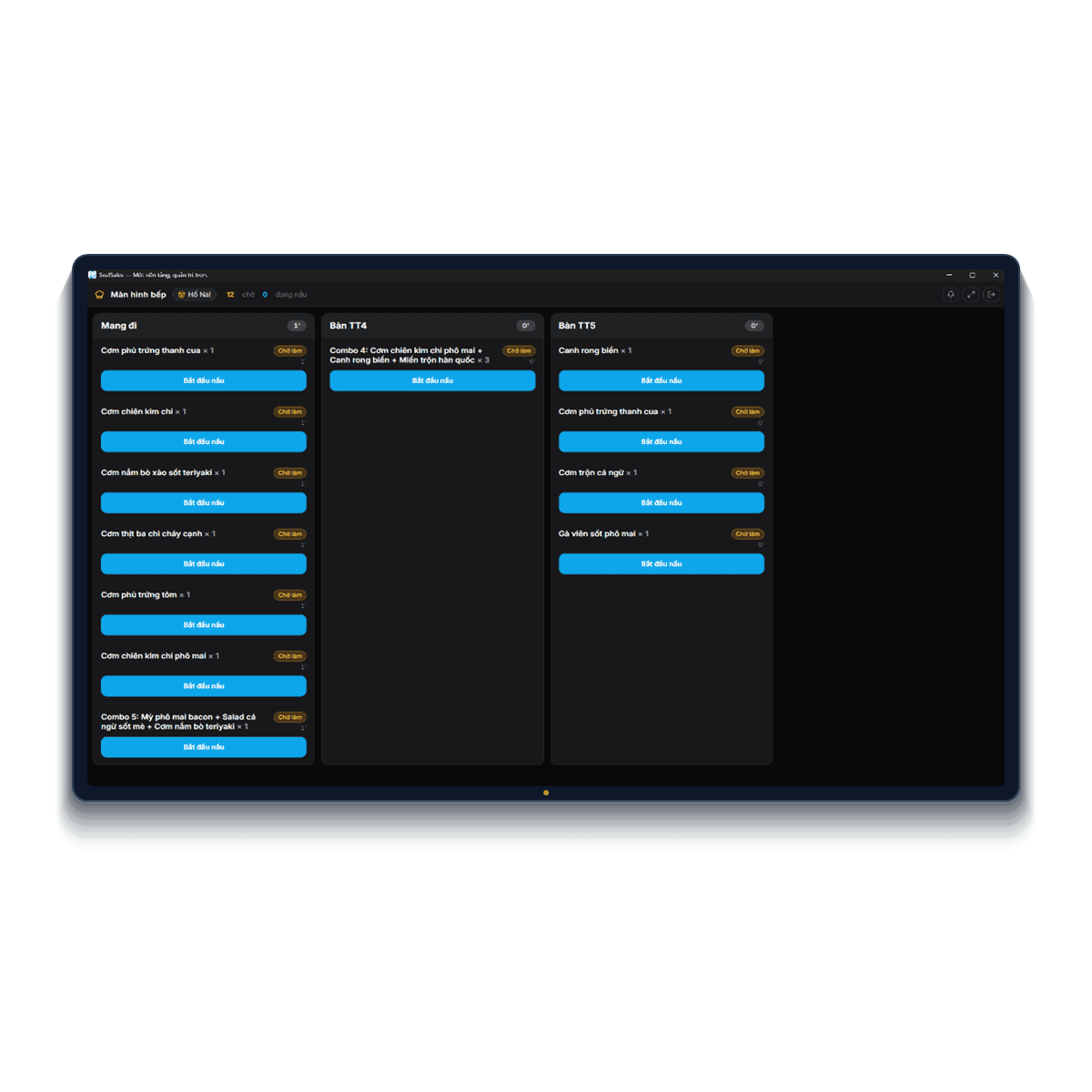
Kitchen display (KDS)
A tablet or screen in the kitchen, paired with a code and showing only its own station.
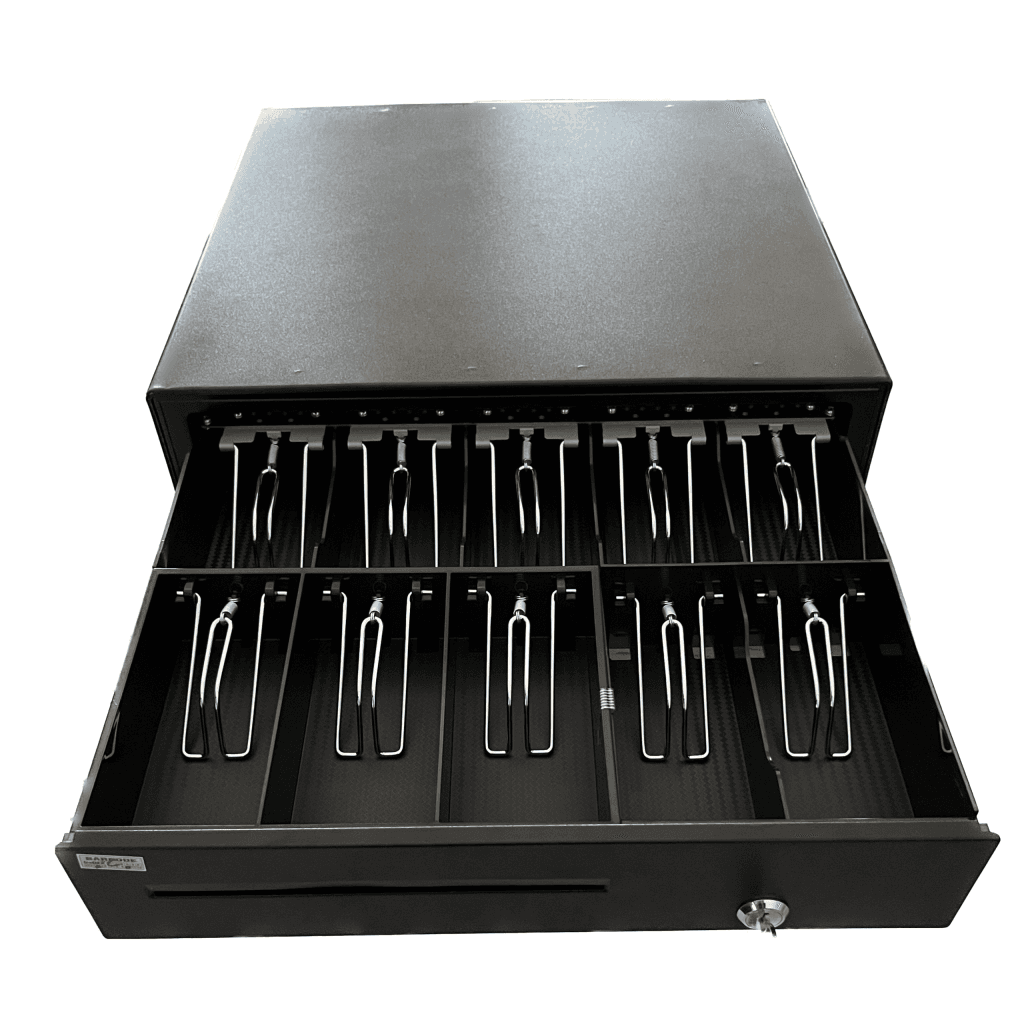
Cash drawer
Wired to the receipt printer — set the printer to kick the drawer and it opens as the bill prints.
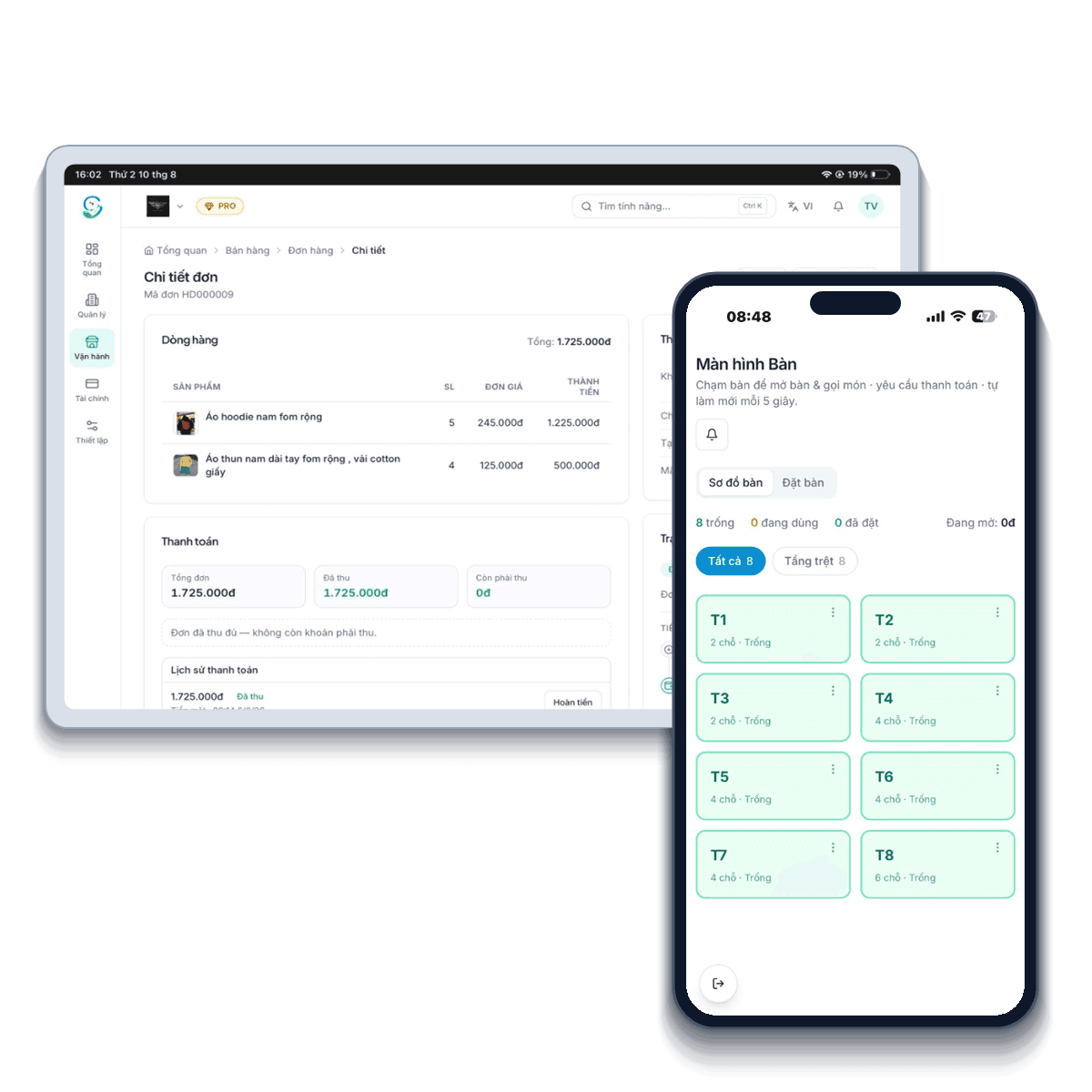
Staff phones & tablets
The mobile app on phones and tablets for tableside ordering, checking reports or approving orders away from the counter.
You can sell with no hardware at all: open a browser on a computer or phone and start; add devices when you need them.
Every kind of F&B business fits
Every model has its quirks — SealSales bends to how you operate instead of changing your habits.
Cafes & bubble tea shops
Unlimited sizes, sugar/ice levels and toppings; golden hours fill the quiet slots.
Learn moreRestaurants & eateries
Tableside ordering, kitchen screens by station, split/merge tables at rush hour.
Learn moreBeer halls & pubs
Continuous rounds per table, bills accumulating accurately order by order.
Learn moreKaraoke & billiards
Automatic room/table hourly billing, food and drinks on the same bill.
Learn moreBakeries & dessert shops
Ingredient stock with lot and expiry tracking.
Learn moreCloud kitchens & takeaway
Online orders plus centralised delivery-channel reconciliation.
Learn moreBuffet & hotpot BBQ
Per-head pricing for adults/kids, add-on dishes billed separately.
Learn moreFood courts & canteens
Many counters on one system, revenue reported per counter.
Learn moreBeer clubs & lounges
Bottle/can stock by crate, happy-hour promos applied automatically.
Learn moreSeafood & specialty houses
Sell by weight with daily-changing purchase prices, margin still exact.
Learn moreFood carts & kiosks
A POS right on your phone — start selling at near-zero cost.
Learn moreBook cafes & co-working
Sell drinks and bill seats by the hour, monthly membership passes.
Learn more
F&B does not stand alone
On one SealSales account you can combine F&B with other models — connected data, no double entry.
- AI onboarding
- E-invoicing & tax
- Real-time multi-branch
- Free forever
Q&A about the F&B solution
Will it hold up when the venue is packed?
The selling screen is built for rush hour: one-tap add, tickets sent the moment an order is confirmed, tables split and merged without rebuilding the order. It does need a steady connection — keep mobile data as backup.
Can I configure menus with many toppings?
Yes. Create variant groups (size, sugar, ice) and required/optional topping groups per item.
Is e-invoicing supported?
Yes. SealSales issues e-invoices and supports tax obligations to Vietnamese standards.
Start with F&B today
One platform, everything under control. Create your store in under a minute — the Free plan lasts forever, no card required.
- Free forever
- No card required
- Seal Nhân AI included