POS & inventory software for retail stores
POS, barcodes & multi-branch inventory.
The obstacles you are facing
- Stock counts drift between branches — nobody knows where goods are
- Manual promotion pricing and loyalty points are error-prone
- Owners can’t see real-time revenue while away
SealSales for Retail
A deep feature set designed around how your industry actually operates.
POS & barcodes
Lightning-fast barcode checkout, scale and price-label printer support.
Multi-branch inventory
Stock transfers, stocktakes and minimum-stock alerts per location.
Promotions & loyalty
Combos, group discounts and automatic loyalty points.
Real-time reports
Revenue, gross margin and best-sellers updated in real time.
A day in a Retail business on SealSales
Five stages in the order the day actually happens — each one built in, nothing to bolt together.
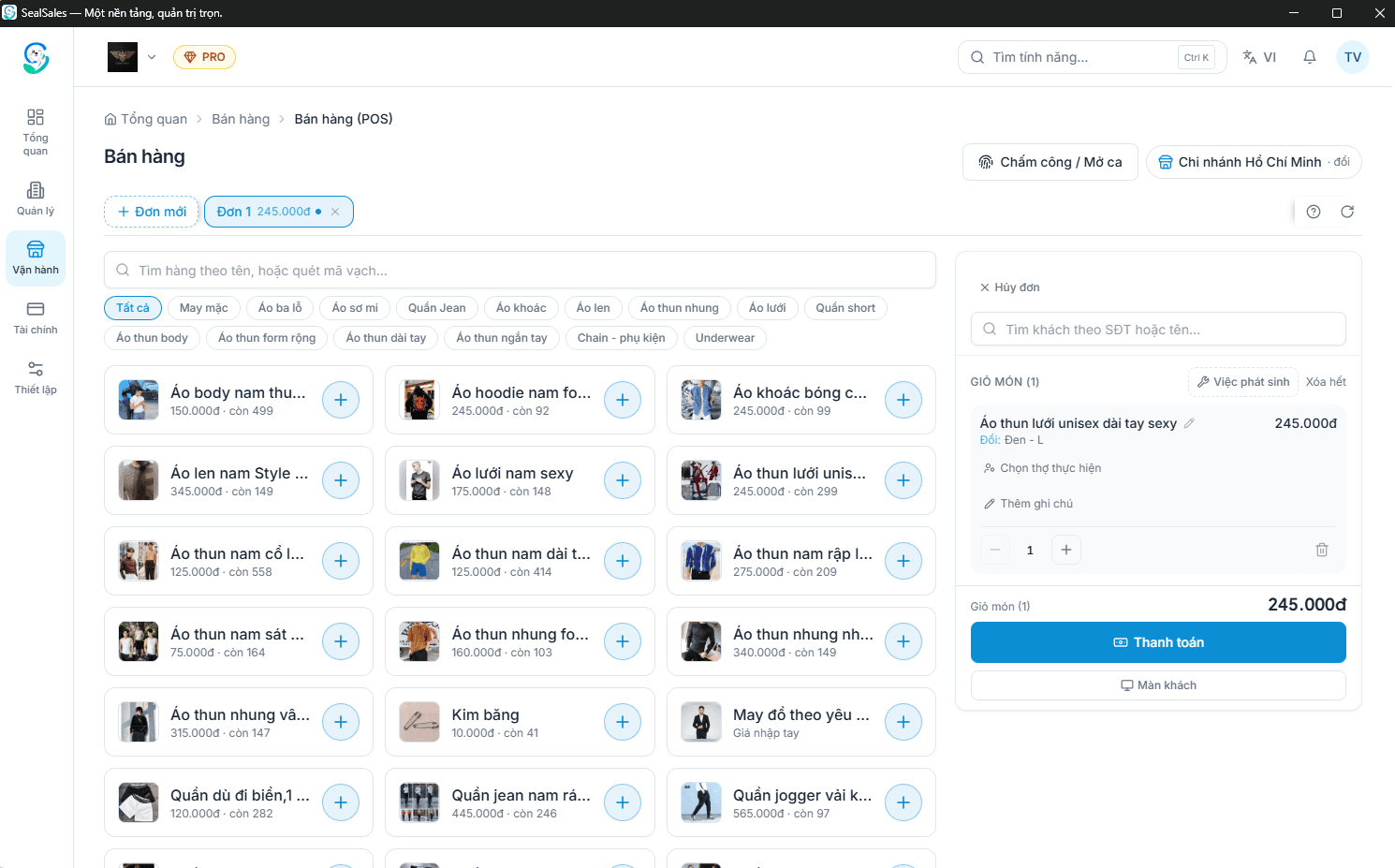
Counter sales as fast as a scan
- USB barcode scanners work immediately: scan and the exact item, size and colour comes up.
- Items without a barcode get a valid EAN-13 and a printable label to stick on the product.
- Item cards dim and read "sold out" or "N left" from live stock, so staff never sell what is gone.
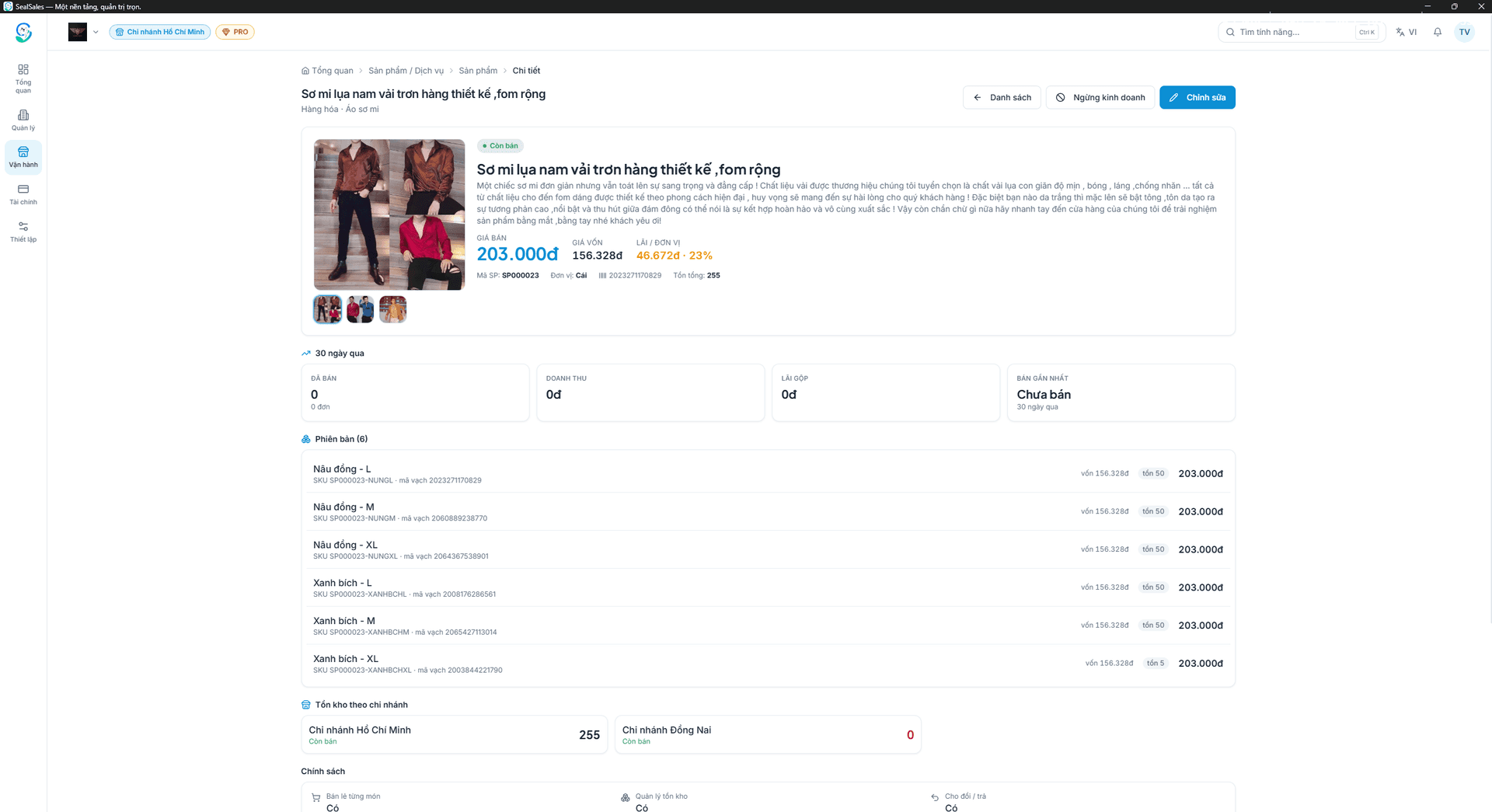
Goods with sizes, colours and styles
- Each variant carries its own price, cost and stock — size S selling out never blocks size M.
- An item can sit in several categories to be easy to find while one primary category keeps reports from double counting.
- Hand an Excel price list or a photo of your stock book to Seal Nhân and let it create everything in bulk.
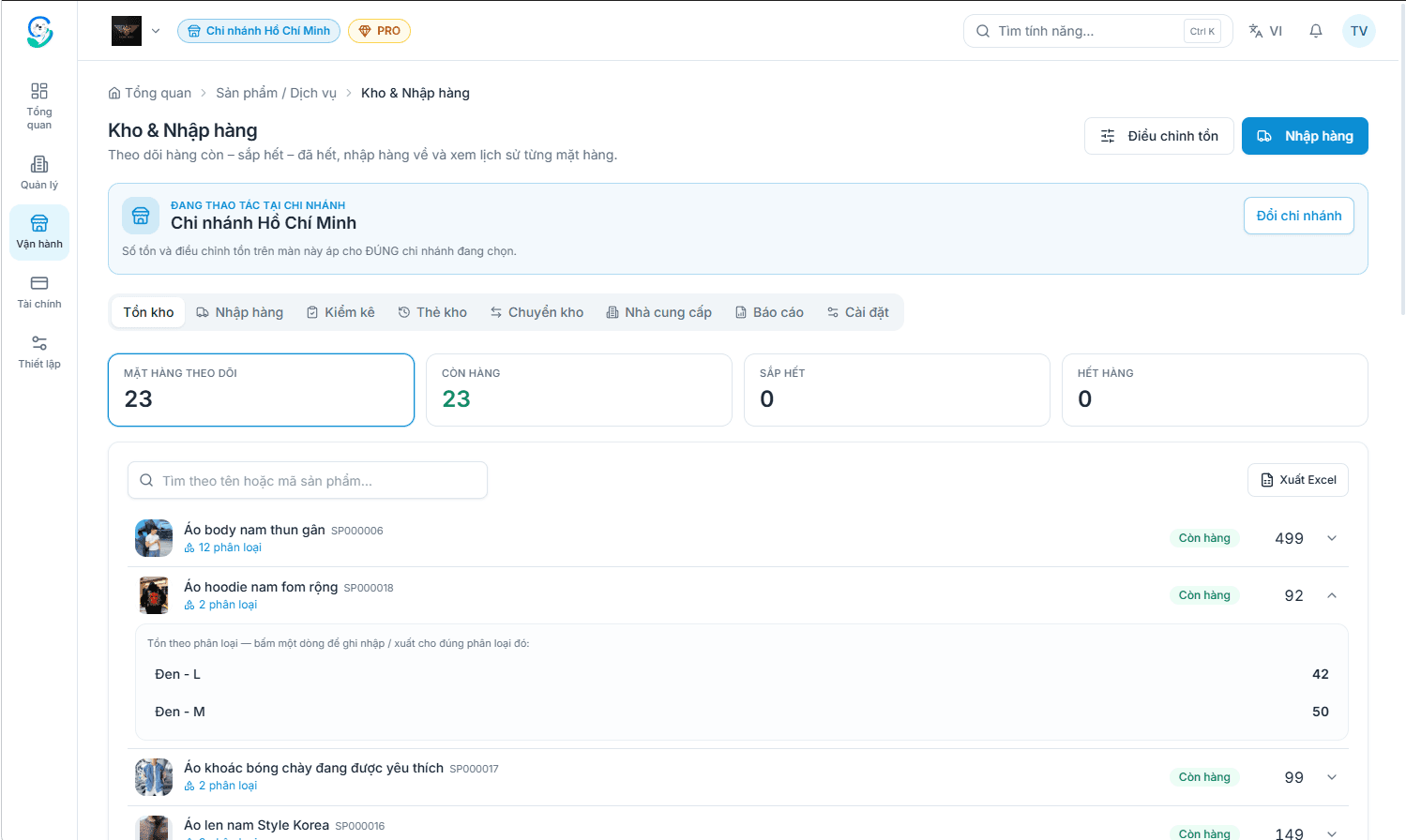
Purchasing, stock and stocktakes
- Purchase orders record who you bought from, at what price, paid or still owed — cost price follows from that.
- Shipping and handling charges spread across the lines so cost price reflects real money spent.
- Transfers between branches carry their own document, so goods in transit never vanish from the books.
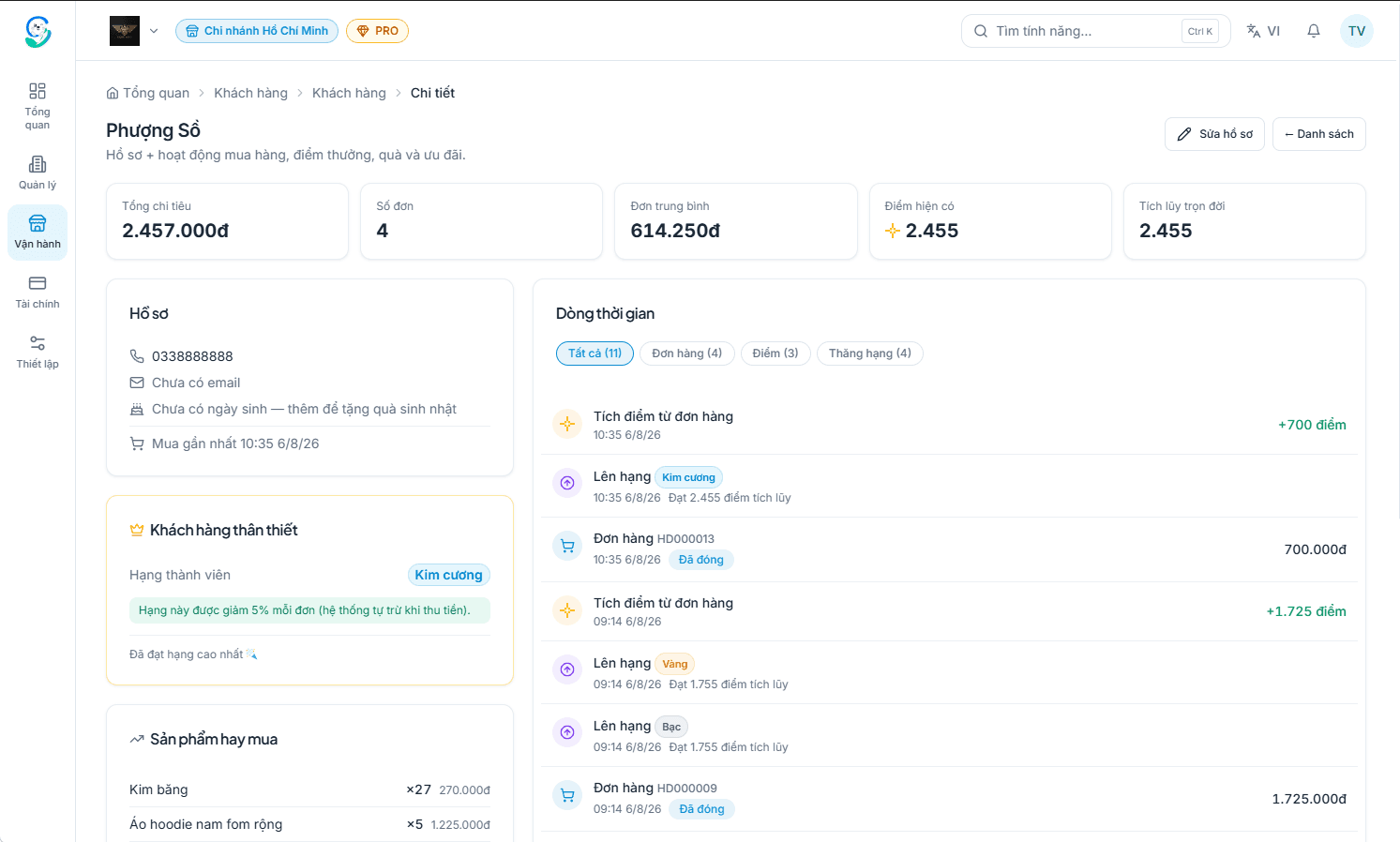
Regulars, points and promotions
- Attach a phone number to an order and purchase history, points and balances link to the customer profile.
- Membership tiers apply their discount at checkout automatically — staff have nothing to remember.
- Happy-hour discounts and buy-X-get-Y rules fire when they qualify and switch off on schedule.
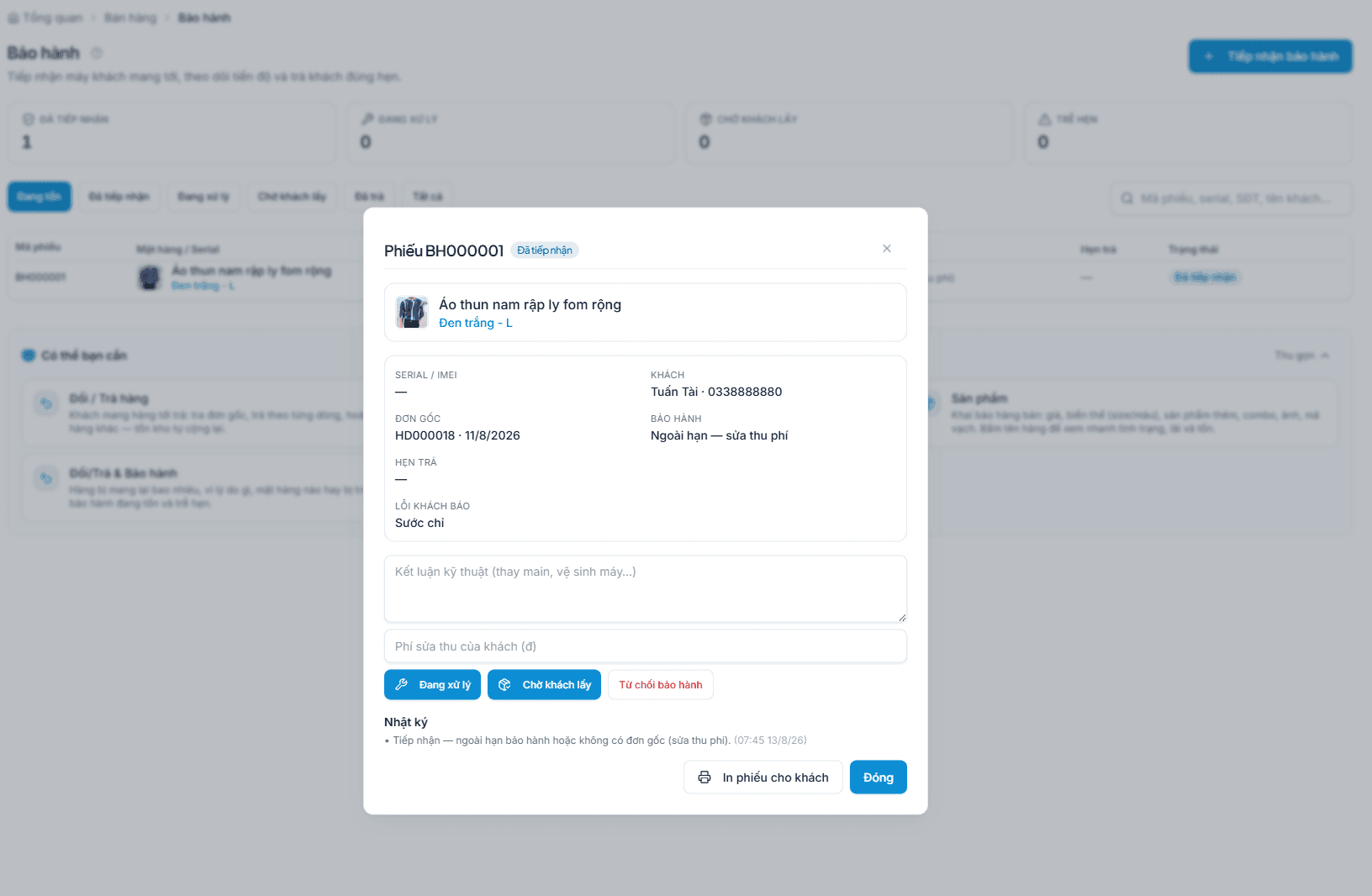
Documented returns and warranty
- Find the original receipt by phone number or order code instead of digging through paper.
- Exchanges and refunds produce a document; stock and revenue adjust to match.
- Warranty tickets track received, in progress and returned, so you can answer the moment a customer asks.
Ready to connect any point-of-sale hardware
Use ordinary off-the-shelf devices — nothing proprietary, no single approved brand.
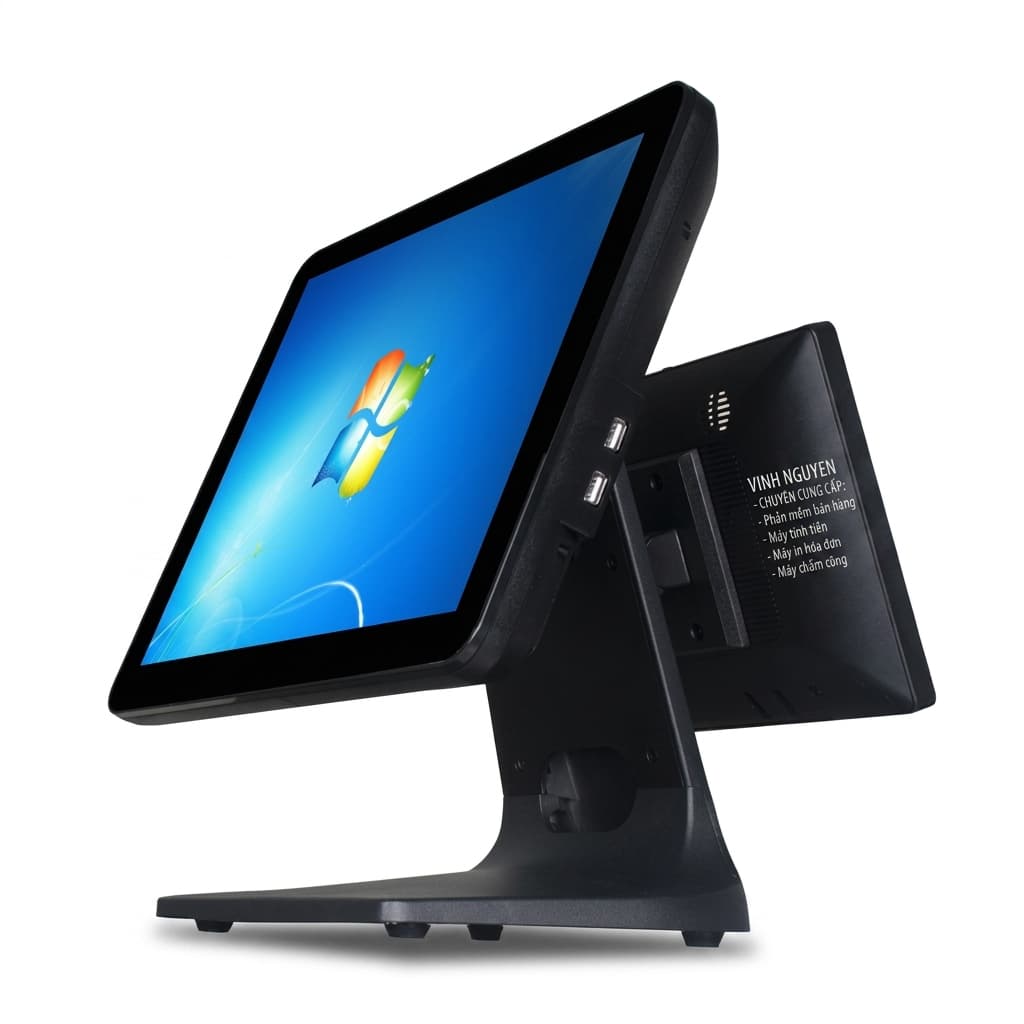
POS terminal
A touch POS, a computer or a tablet — anything that runs Chrome or Edge.
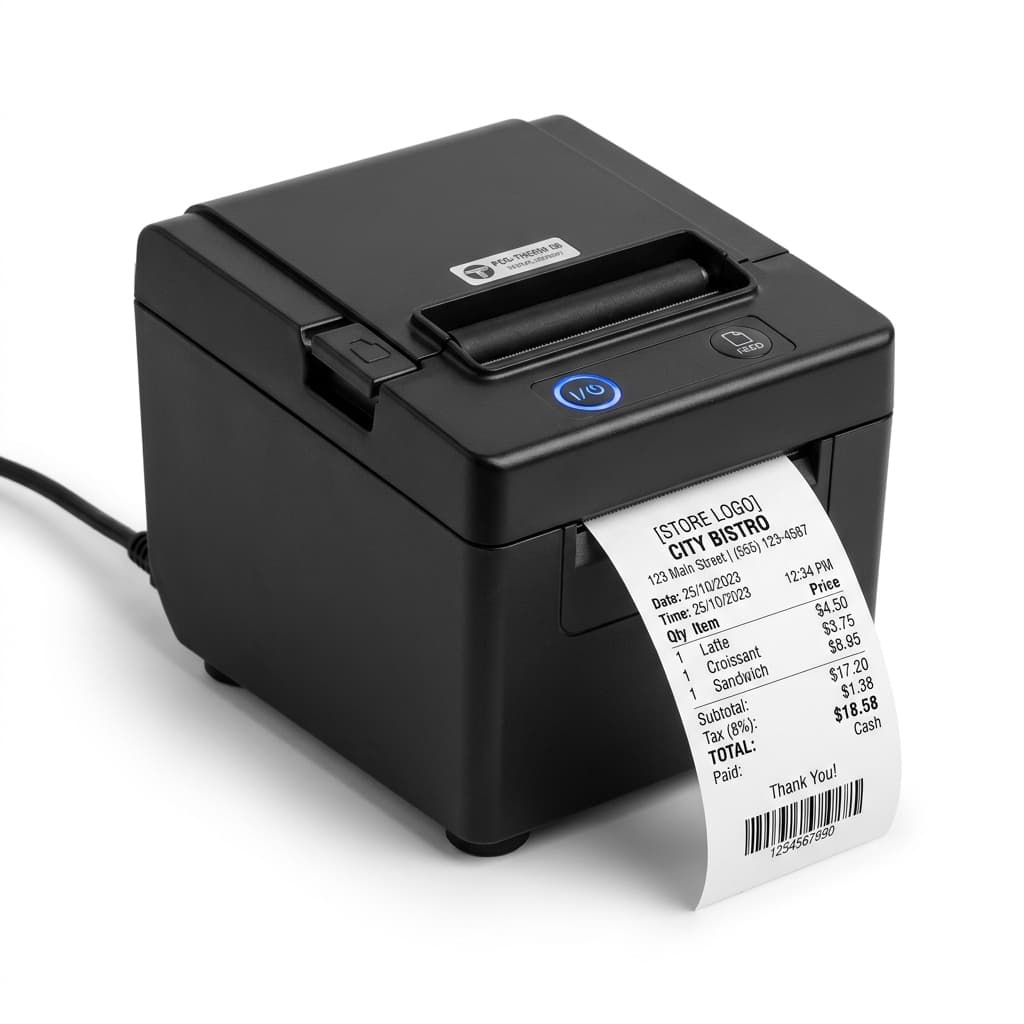
Receipt printer
80mm thermal printers for payment receipts, provisional bills and kitchen tickets.
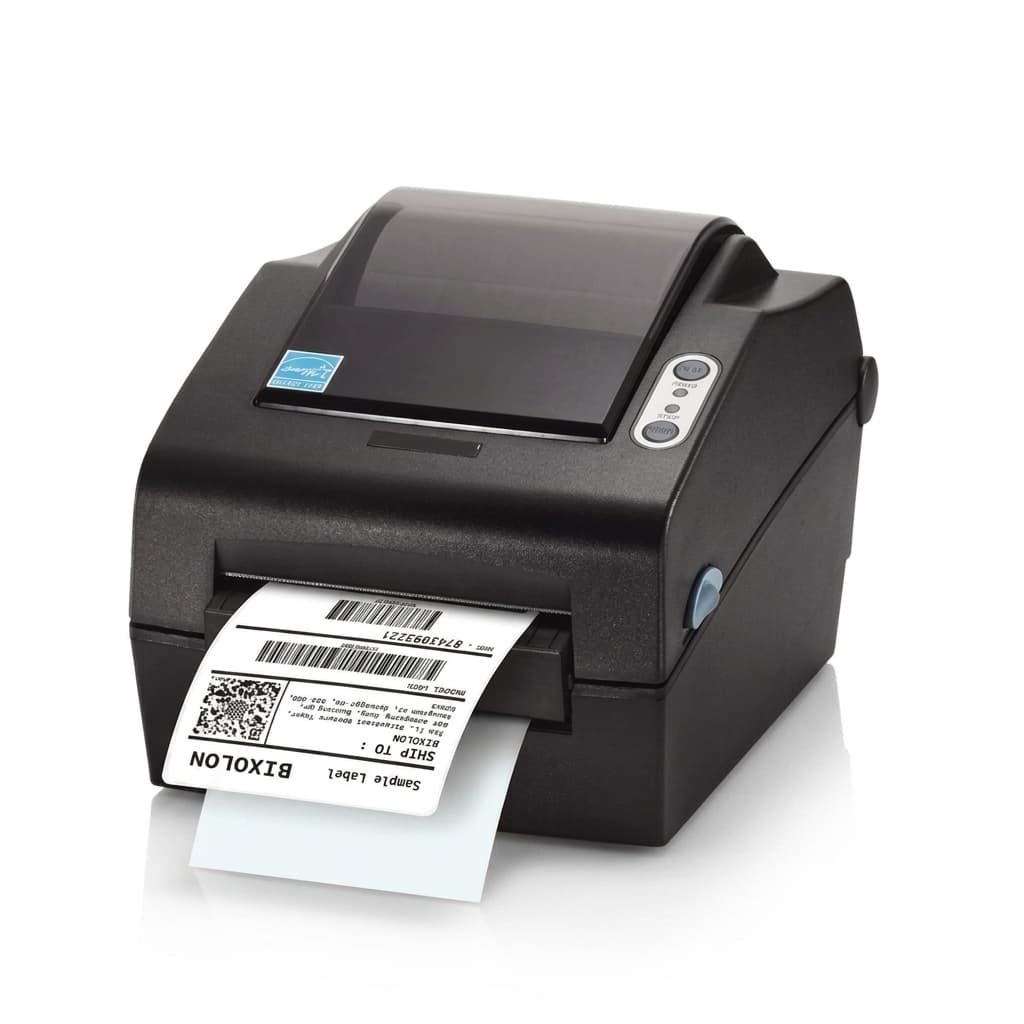
Label printer
40 × 30mm labels for retail barcode tags and item stickers.
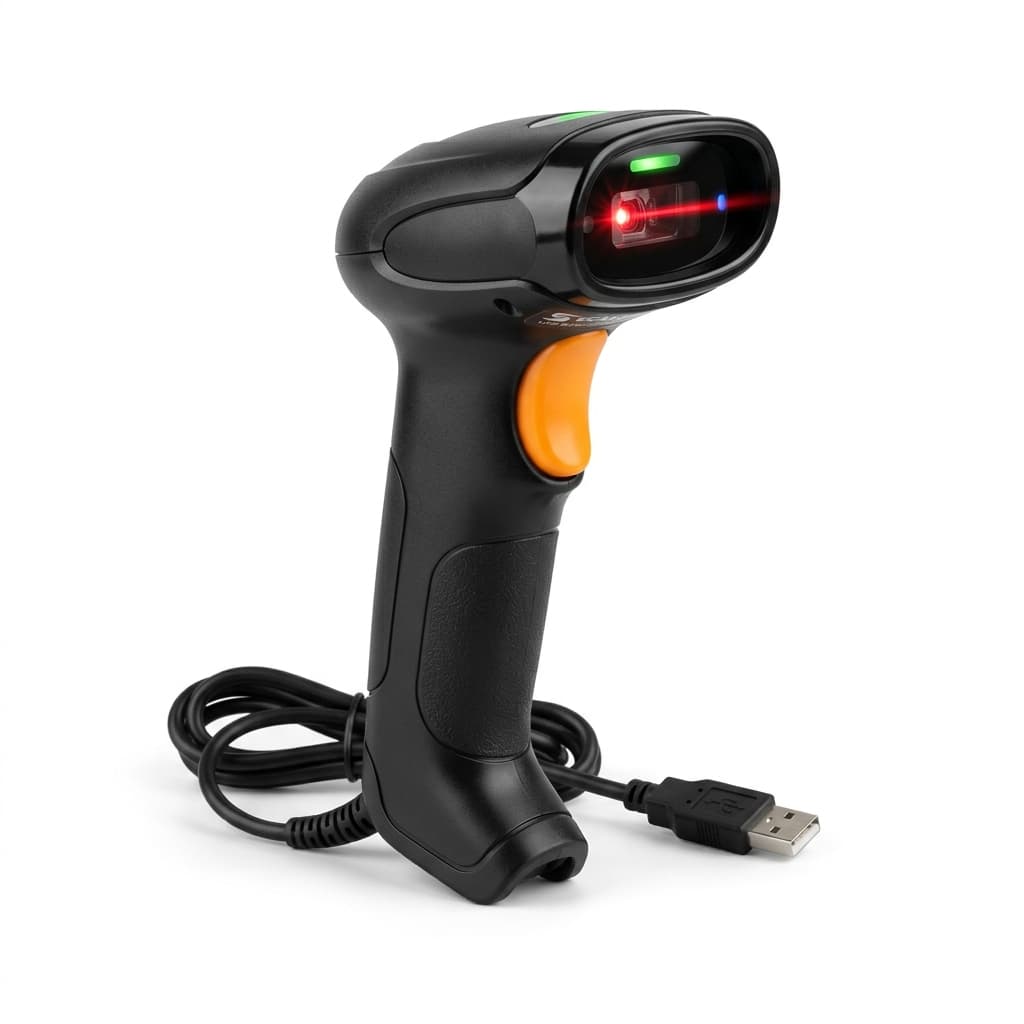
Barcode scanner
USB scanners act as a keyboard — plug it in and scan, nothing to install.
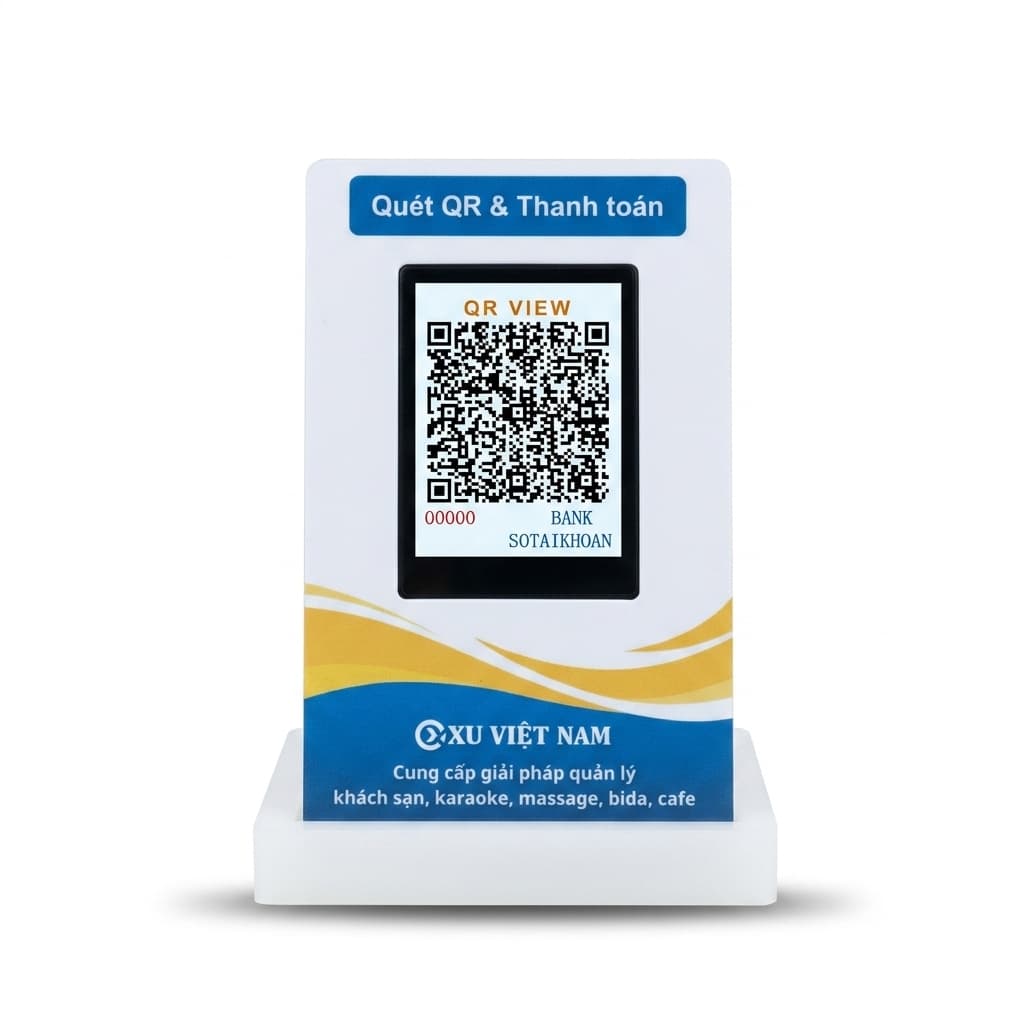
Customer / QR display
A second screen facing the guest: items as they ring up, the total and the bank QR code.
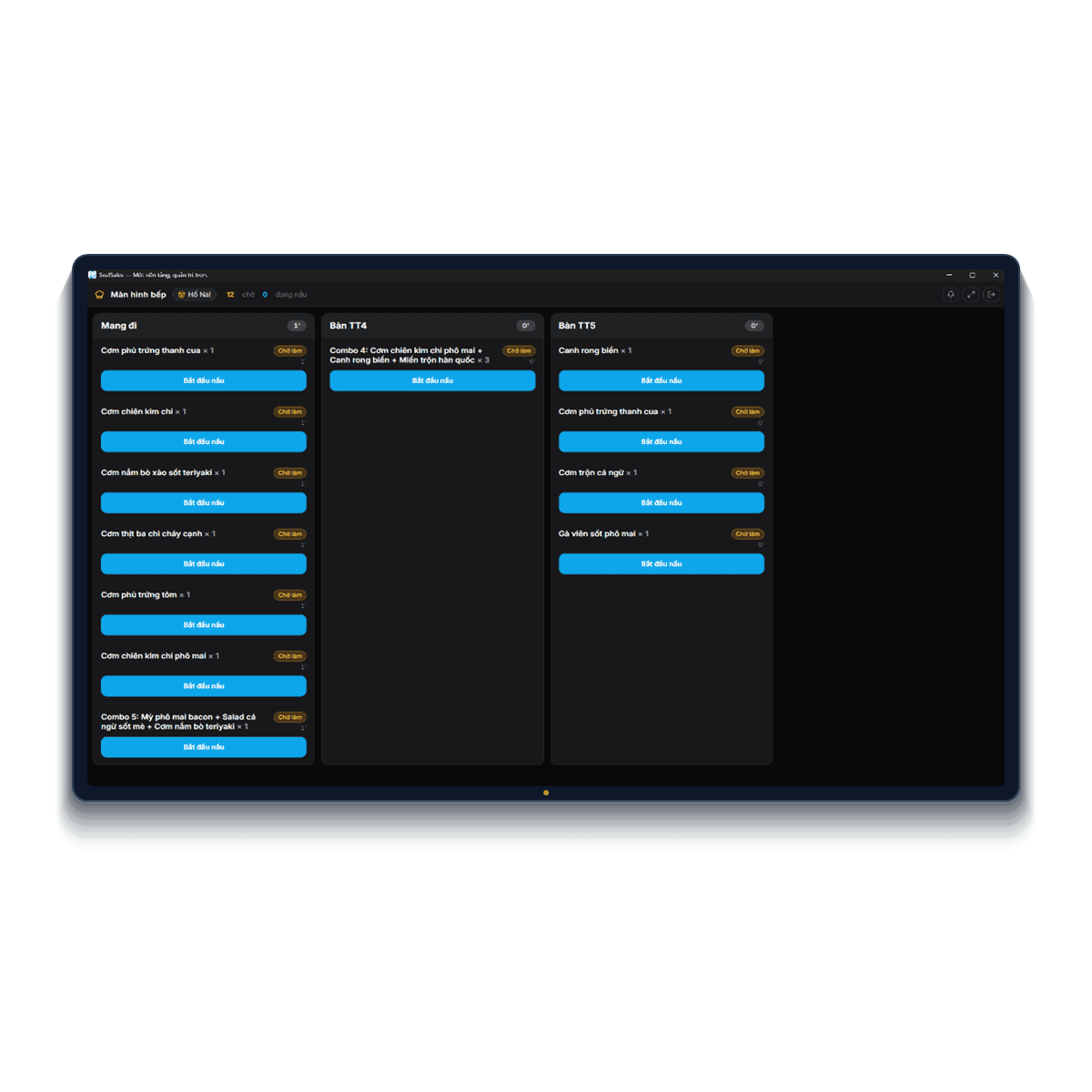
Kitchen display (KDS)
A tablet or screen in the kitchen, paired with a code and showing only its own station.
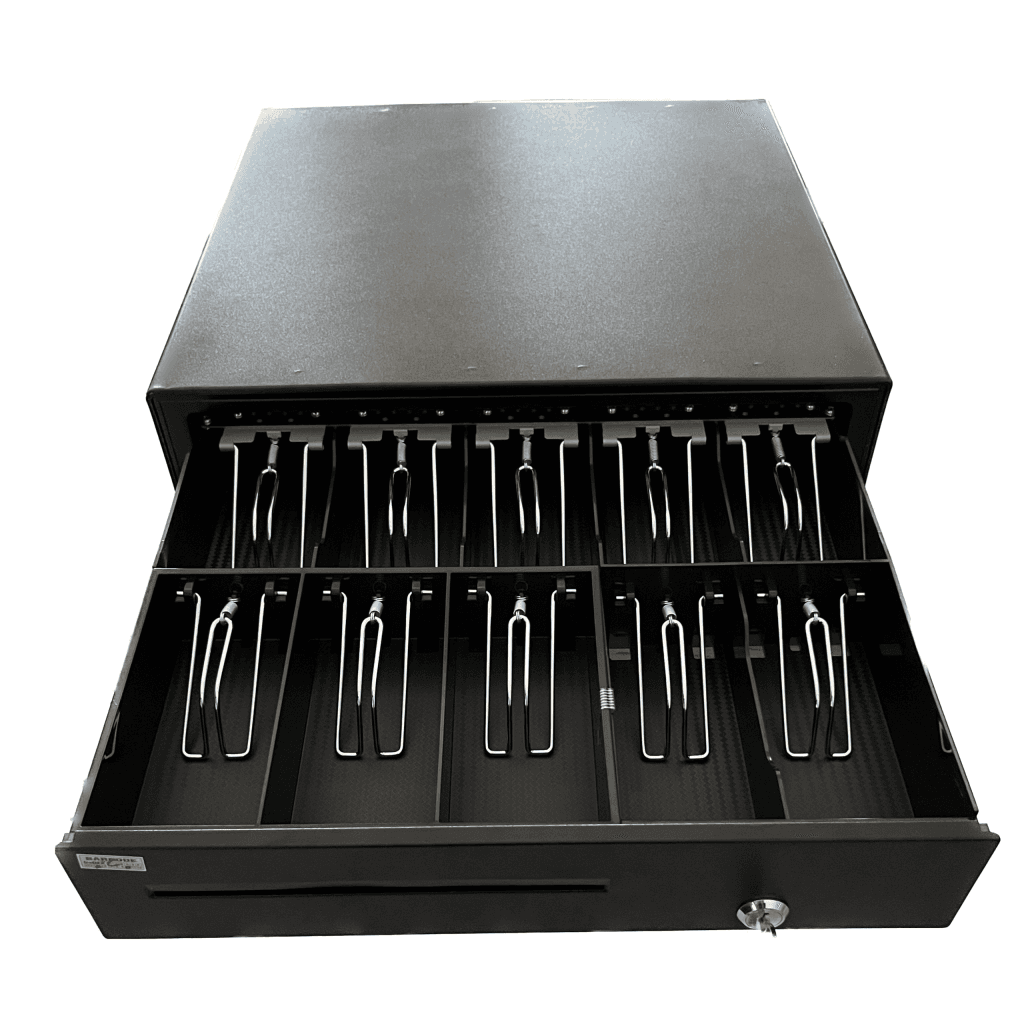
Cash drawer
Wired to the receipt printer — set the printer to kick the drawer and it opens as the bill prints.
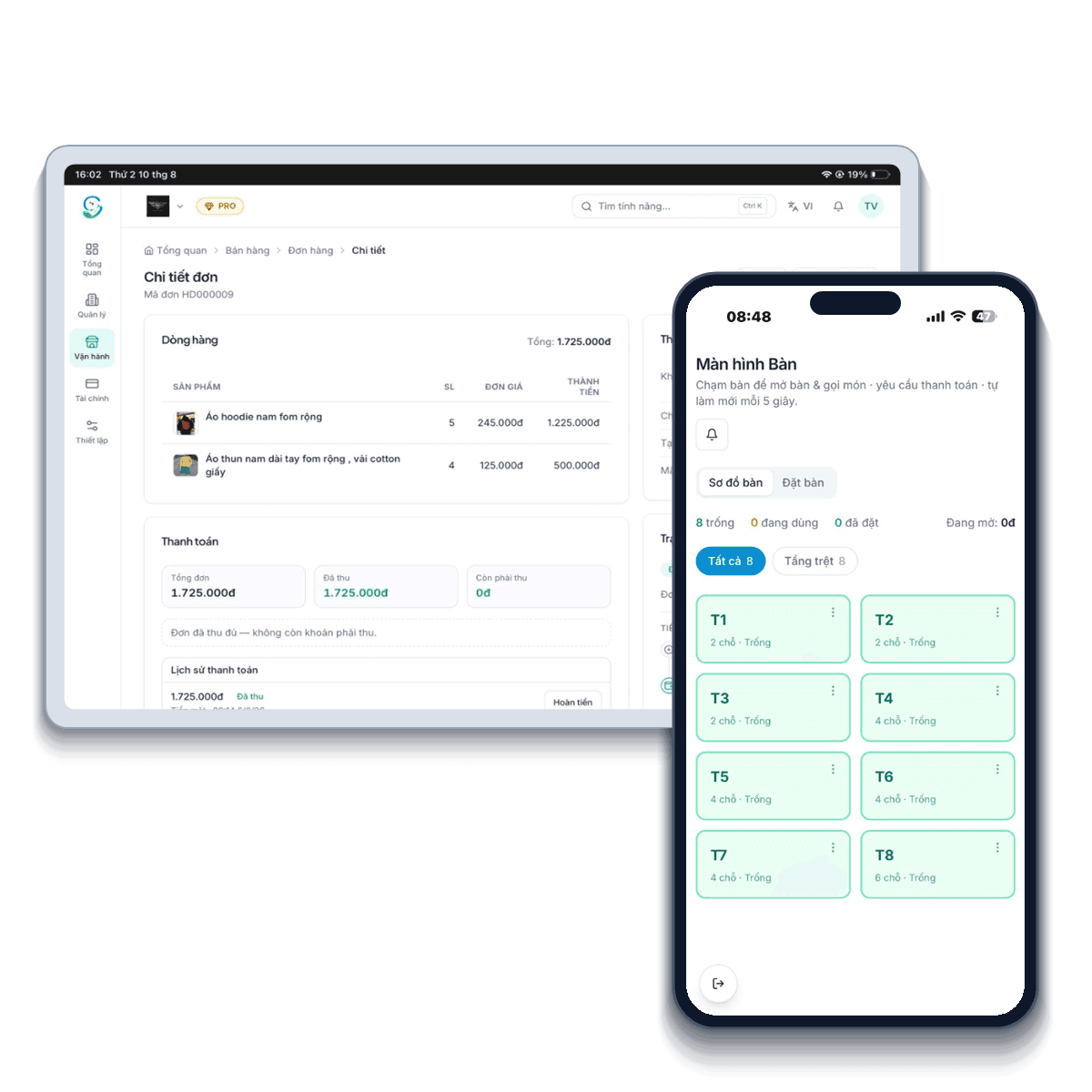
Staff phones & tablets
The mobile app on phones and tablets for tableside ordering, checking reports or approving orders away from the counter.
You can sell with no hardware at all: open a browser on a computer or phone and start; add devices when you need them.
Every kind of Retail business fits
Every model has its quirks — SealSales bends to how you operate instead of changing your habits.
Grocery & mini-marts
Lightning barcode checkout, low-stock alerts across thousands of SKUs.
Learn moreFashion & footwear
Full size/colour variants, stock counted per exact variant code.
Learn moreCosmetics & skincare
Lot and expiry tracking, loyalty points that keep regulars.
Learn moreMother & baby stores
Age-based combo promotions, loyal customers buying on a rhythm.
Learn morePhones & accessories
Serial/IMEI per device, transparent warranty and returns.
Learn moreComputers & components
Sell by assembled build, per-component warranty by serial.
Learn moreCameras & video gear
High-value serialised goods with accessories and extended warranty.
Learn moreBookstores & stationery
Thousands of titles, purchasing from many suppliers kept tidy.
Learn moreElectronics & appliances
Delivery-and-install orders, long-term warranty tracking.
Learn morePharmacies & supplements
Strict lot/expiry control; retail by blister or pill.
Learn morePet shops
Products and grooming services on the same bill.
Learn moreFlowers & gifts
Holiday pre-orders by date, delivery with a personal note.
Learn moreBuilding materials & hardware
Wholesale-retail mix, contractor credit, unit conversion bag/piece/metre.
Learn moreAuto & motorbike parts
Look up parts by vehicle model, exact stock per part code.
Learn more
Retail does not stand alone
On one SealSales account you can combine Retail with other models — connected data, no double entry.
- AI onboarding
- E-invoicing & tax
- Real-time multi-branch
- Free forever
Q&A about the Retail solution
Can I manage multiple branches on one account?
Yes. See stock and revenue per branch and transfer stock between locations in one place.
Does it support barcode scanners and label printers?
Yes. SealSales works with popular barcode scanners and receipt/label printers.
I use Excel today — is migration hard?
No. Upload your product list and AI builds the initial catalog in minutes.
Start with Retail today
One platform, everything under control. Create your store in under a minute — the Free plan lasts forever, no card required.
- Free forever
- No card required
- Seal Nhân AI included